Bulk email · Google Sheets · SMTP
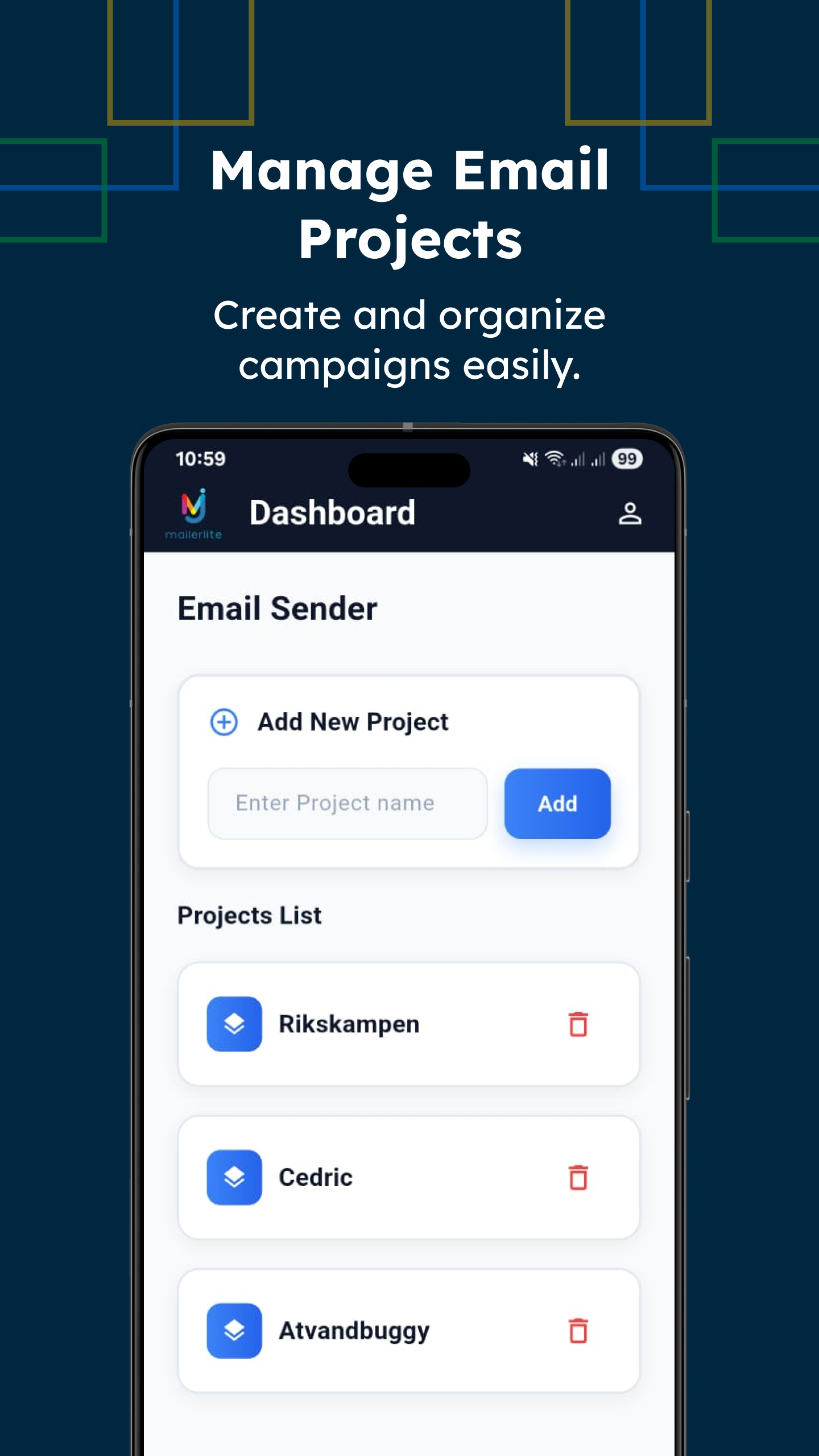
With Mailer Lite you only need a Google Sheet. Add your email list, write the email body in one place, connect your SMTP – the app sends everyone and writes back Sent / Delivered / Rejected status inside the same sheet.
Step 1
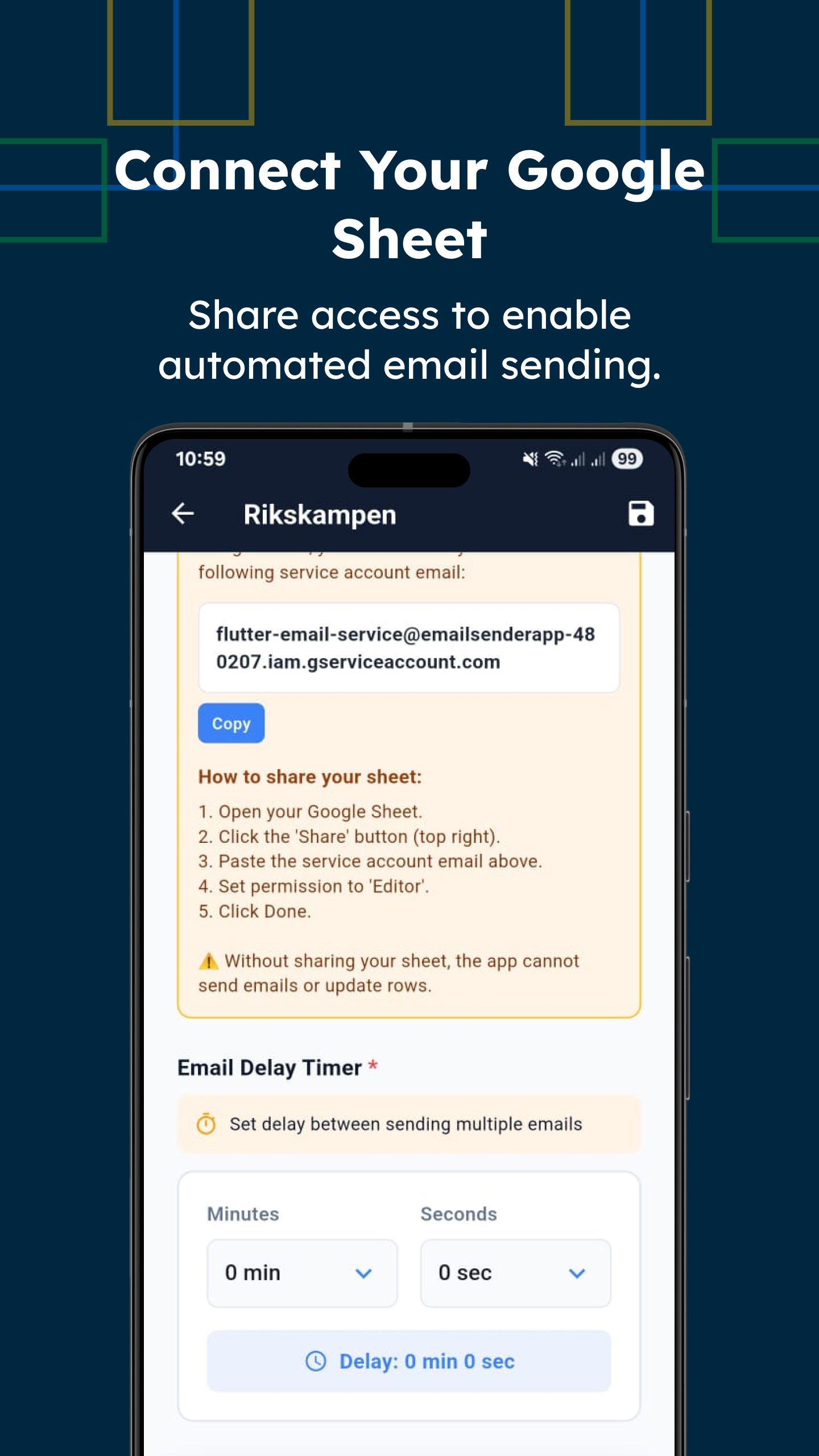
Share your sheet with the service account email from the app. Choose which column contains email addresses and where to write status.
Step 2
Enter your From Email, SMTP host, port and app password. Works with Gmail, Outlook or your own mail server.
Step 3
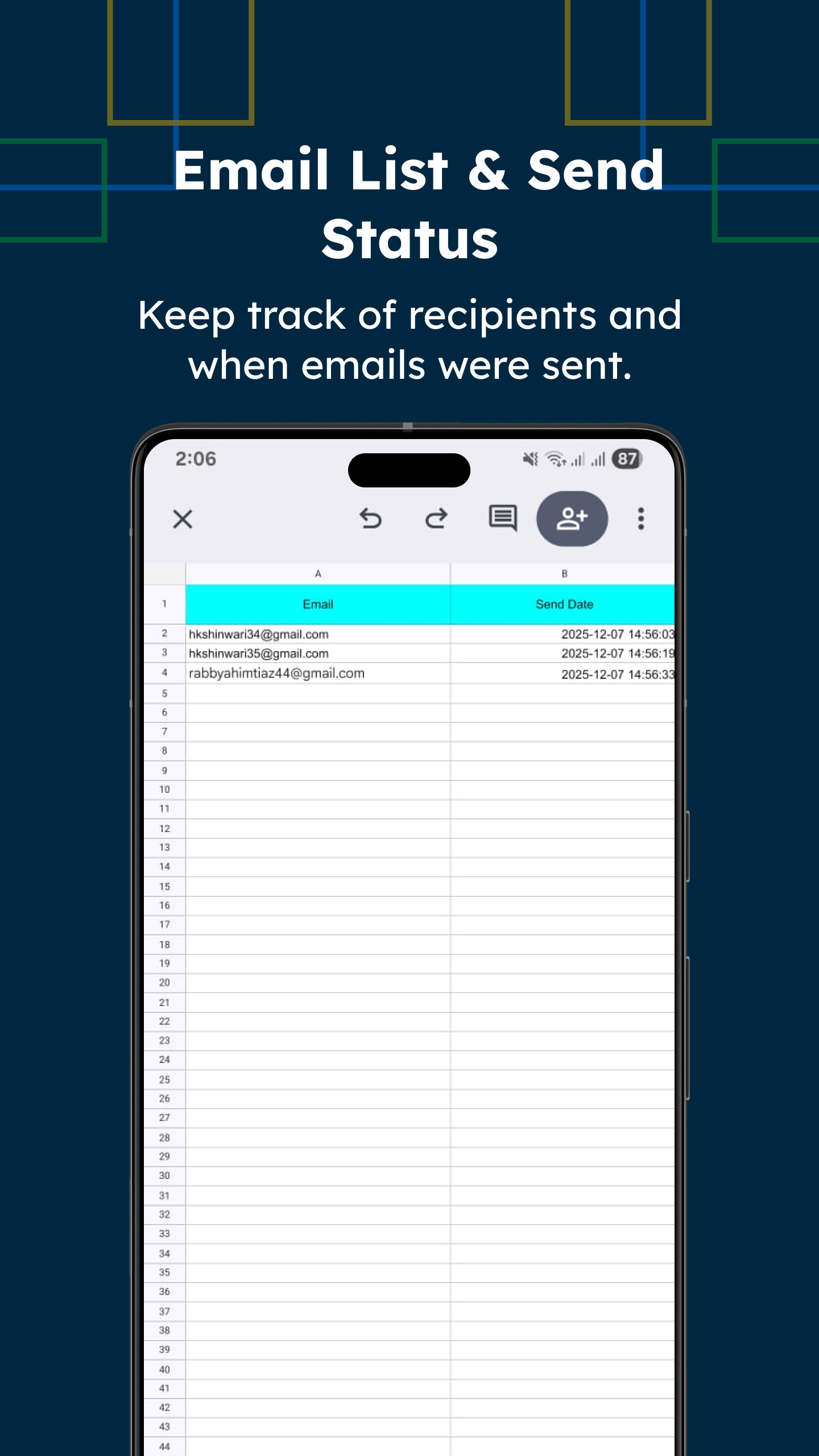
Mailer Lite sends one email per row and writes back send time and result: sent, delivered, rejected, error. You can filter or resend directly in Sheets.
The app gives you a secure service account email. Share your sheet with Editor access, paste the sheet link and you’re ready. You can also set a delay timer between emails to stay safe from spam filters.
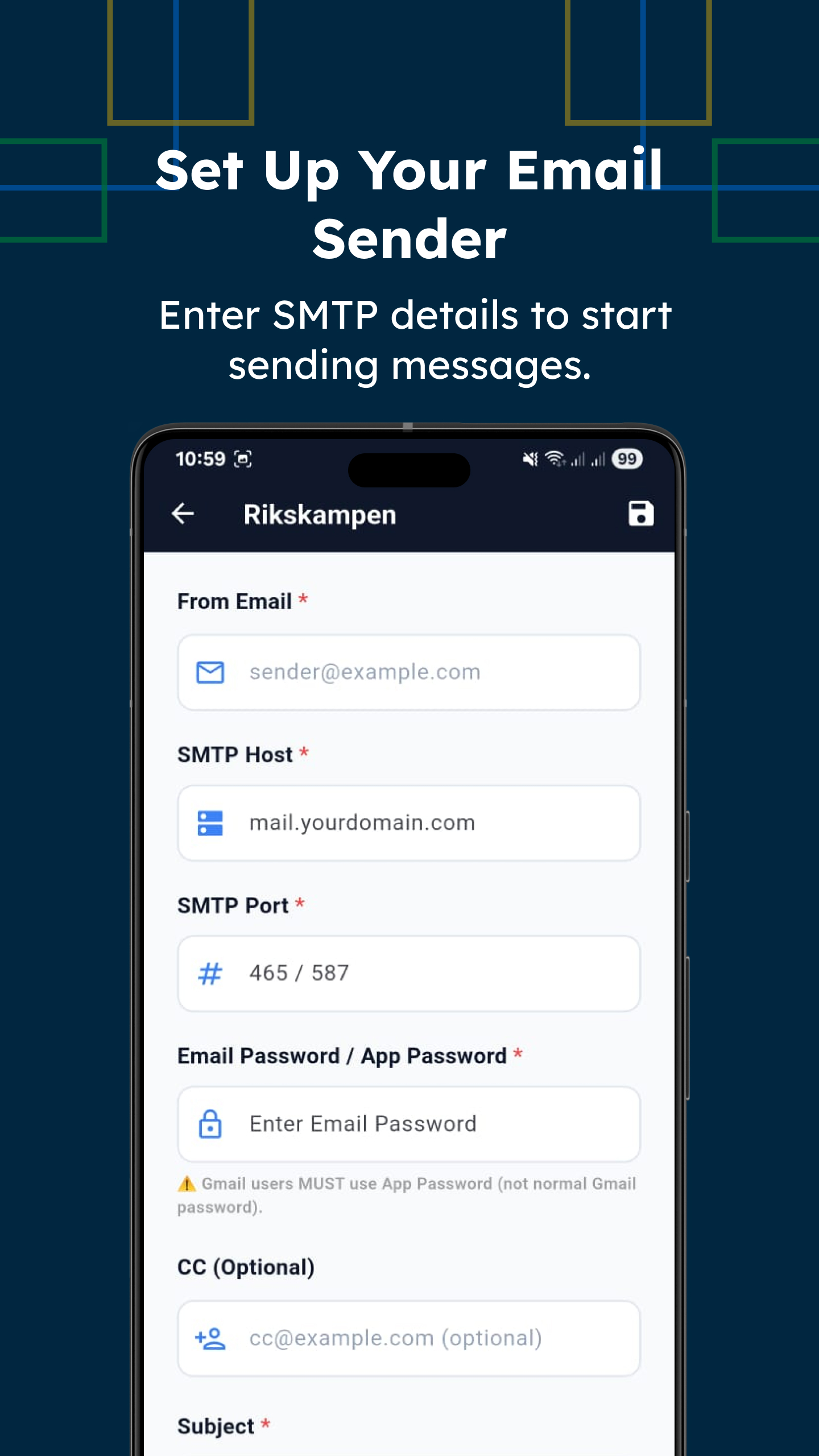
Mailer Lite doesn’t force you onto a new mail service. Use the same domain and inbox your customers already know – just enter the SMTP settings and app password (for Gmail users).
Every time an email is sent, the app updates the row with the send date/time and status. You can quickly see who got the message and who needs a resend.
Tell us about your use case and we’ll share a ready-made Google Sheet template and full setup guide for Mailer Lite.